In this guide
Core catalog structure
These tables reduce repeated text entry and make reports easier to filter.
- Units define how products are counted, sold, or purchased.
- Categories group products by type, department, body style, or operational family.
- Brands identify manufacturers or product lines.
- Warranties define after-sale coverage that can appear in product and invoice workflows.
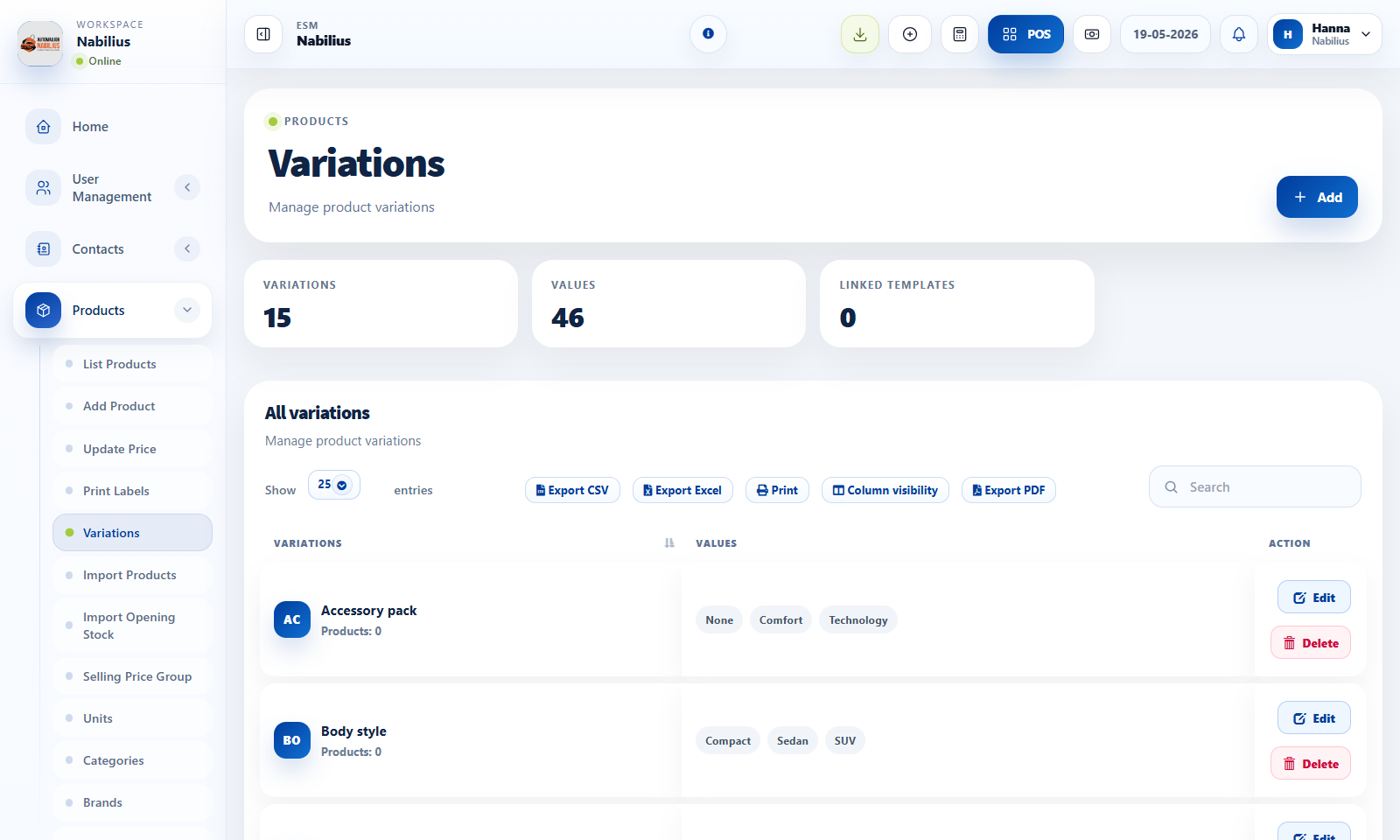
Variations
Use variations when one product has controlled options such as size, color, or pack.
- Create variation templates before adding products that need variants.
- Avoid variations for unique high-value items that should be separate products.
- For one-off serialized items, separate product records are often clearer than variations because each item must remain traceable.
Cleanup rules
Keep setup records reusable and consistent.
- Merge naming patterns before importing data.
- Avoid duplicates such as BMW, Bmw, and BMW Group unless they truly mean different things.
- Use category reports to confirm records are used correctly.
Detailed operating workflow
Use master data pages to keep product structure clean before products are created.
- Create units for how products are bought and sold, including sub-units only when conversion is needed.
- Create categories and brands to support filtering, reporting, POS selection, and product organization.
- Create variations only when the same product truly has repeatable options such as size or color.
- Create warranties only when warranty tracking is useful on sales or product records.
Check before moving on
Master data tables load and show newly created records.
Names are consistent enough to avoid duplicate categories or brands.
Products use the correct unit and category before imports or bulk changes.
Review signals and troubleshooting
Use these checks when the screen looks correct but the numbers, records, or workflow do not behave as expected.
- If filters become messy, consolidate duplicate categories or brands before more products are added.
- If units affect quantity incorrectly, check base unit and sub-unit conversion.
- Avoid variations for one-off serial or VIN-level identifiers; use product fields or SKUs instead.