In this guide
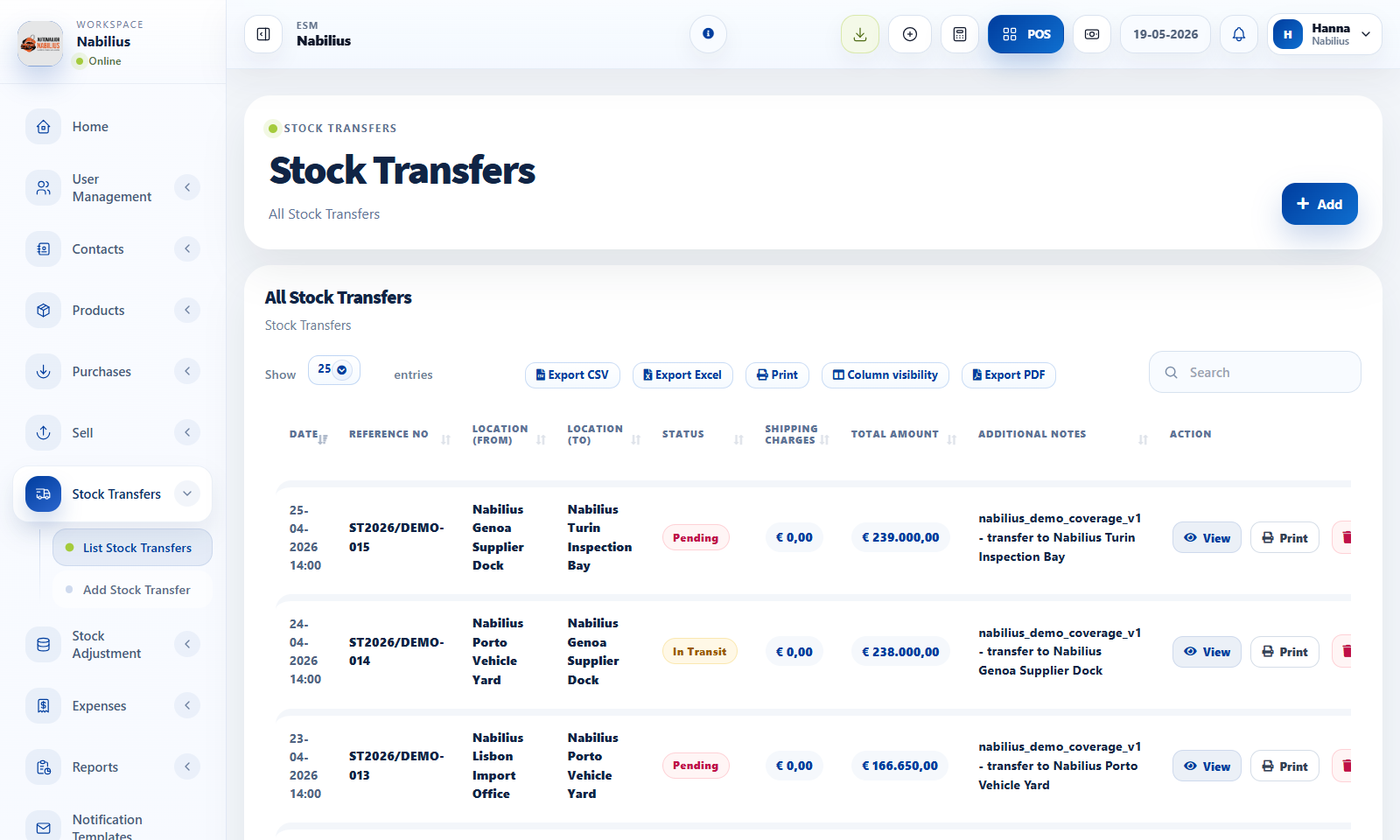
Stock transfers
Use transfers when stock physically moves from one location to another.
- Select source location, destination location, date, and transfer status.
- Add products and quantities being moved.
- Use stock transfer reports to track movement history.
Stock adjustments
Use adjustments when physical count differs from system stock.
- Use normal adjustment for count correction, damage, loss, or discovered stock.
- Add a clear reason and reference so the change can be audited later.
- Do not use stock adjustment to represent a sale or purchase.
Audit routine
Every stock movement should explain why quantity changed.
- Review product stock history for the item.
- Check stock report totals after posting.
- Use activity logs when investigating unexpected changes.
Detailed operating workflow
Use transfers for movement between locations and adjustments for physical count corrections.
- Use Stock Transfers when products move from one business location to another.
- Use Stock Adjustments when a physical count differs from system quantity due to damage, shrinkage, correction, or write-off.
- Add products with clear quantities, references, dates, and notes for traceability.
- Review stock history after saving to confirm the movement appears under the correct product and location.
Check before moving on
Transfer source and destination locations are different and correct.
Adjustment reason is documented before stock is reduced or increased.
Stock report reflects the new quantity after the transaction is completed.
Review signals and troubleshooting
Use these checks when the screen looks correct but the numbers, records, or workflow do not behave as expected.
- If transfer stock is missing, check status and both location filters.
- If adjustment totals look wrong, review quantity sign, product selection, and transaction date.
- Use adjustments sparingly; purchases, sales, and transfers should explain most stock movement.
Practical notes
- If stock is missing in POS, check location, current stock, and stock history before changing product settings.