In this guide
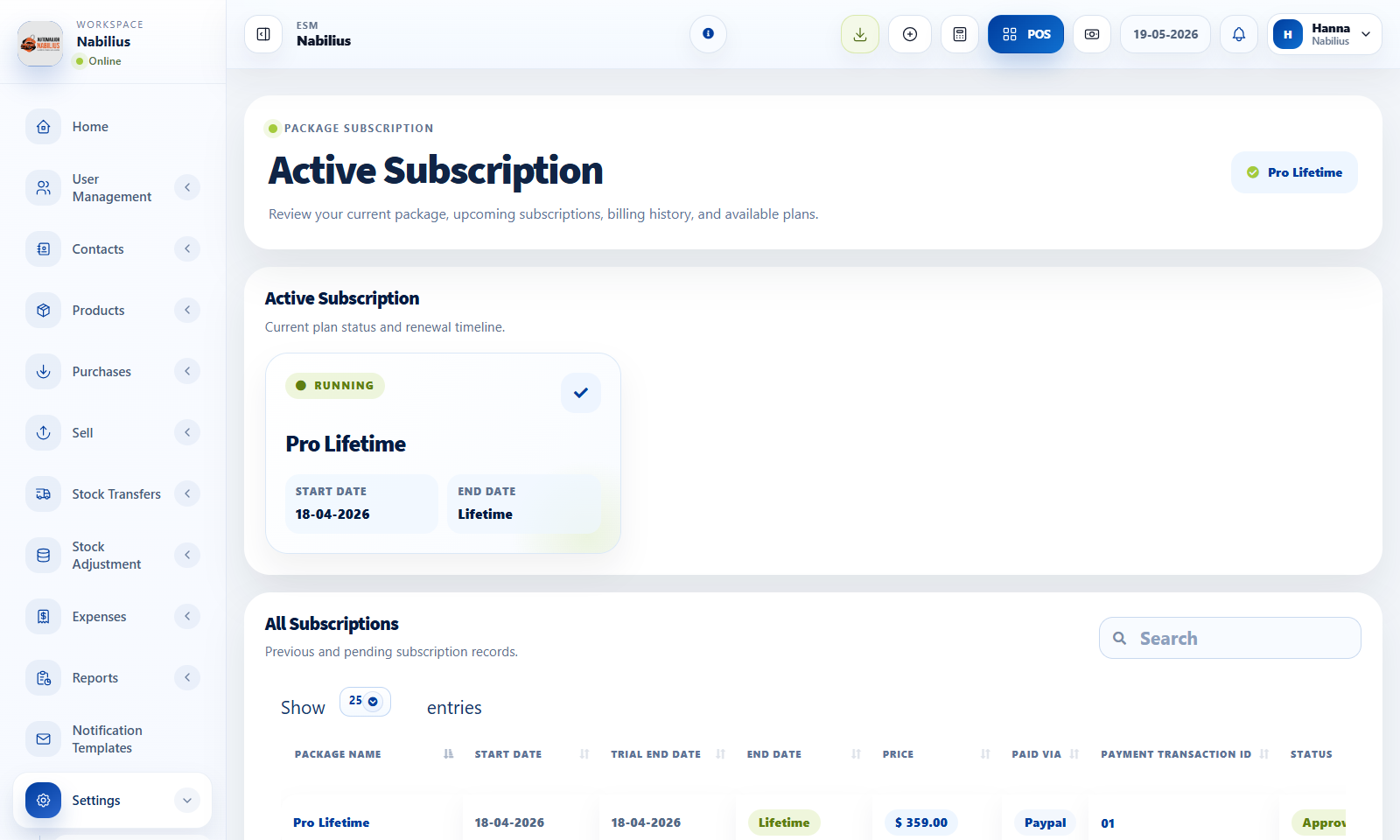
Package selection
Packages define access, limits, and billing behavior.
- Choose monthly, annual, special offer, or lifetime packages where available.
- Review plan limits before starting or renewing a subscription.
- Use coupons only when they are valid for the selected package.
Payment flow
Payment providers and offline payments keep subscription state in sync with business access.
- Confirm total amount before checkout.
- Use local HTTP only for local development; production payment callbacks should use HTTPS.
- Check active subscription after payment succeeds.
Access checks
Subscription status can affect whether a business can use the app.
- If an account is inactive, check business status and subscription status.
- If a payment provider fails locally, check provider credentials and SSL certificate configuration.
Detailed operating workflow
Use subscriptions to manage package access, billing cadence, coupons, payment methods, and active status.
- Review the active subscription before changing packages or billing intervals.
- Select monthly, annual, special offer, or lifetime intervals based on available package data.
- Apply coupon codes before payment and verify total amount payable.
- Use payment provider flows only after local/prod HTTPS and callback requirements are understood.
Check before moving on
Special offer is the default pricing interval when intended.
Lifetime intervals can have an empty interval count and no forced end date.
All subscriptions table loads or shows a clean no-data state.
Review signals and troubleshooting
Use these checks when the screen looks correct but the numbers, records, or workflow do not behave as expected.
- If an account is inactive, check business status, subscription status, and payment confirmation.
- If PayPal or MyFatoorah fails locally, confirm local SSL handling without weakening production HTTPS.
- If a coupon changes the total, verify the payable tile recalculates immediately.