In this guide
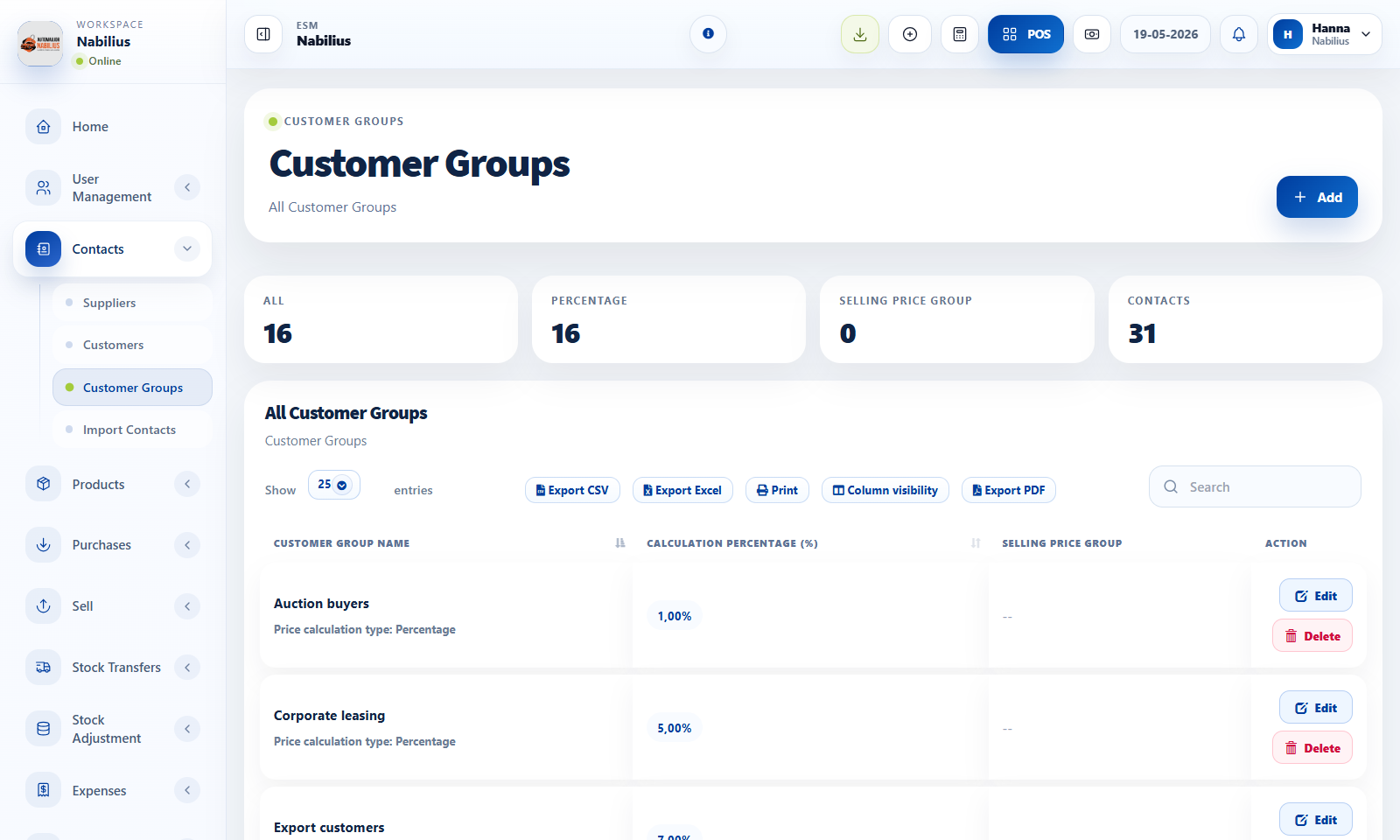
Customer group use cases
Groups help separate customer types without creating duplicate contacts.
- Create groups such as Retail, Wholesale, Fleet, VIP, or Dealer.
- Use percentage-based groups when a discount policy applies to a segment.
- Use selling price groups when customers need a different price list.
How groups affect sales
Customer groups can influence pricing and report segmentation.
- Assign the customer group on the contact record.
- Confirm the selected customer in POS or Add Sale before finalizing the invoice.
- Use Customer Group Report to compare total sales by group.
Review checklist
Keep groups simple and easy for staff to understand.
- Remove unused groups from staff workflows.
- Verify price group behavior with one test sale before using it broadly.
Detailed operating workflow
Use customer groups and price groups to segment customers and apply controlled pricing rules.
- Create customer groups only when the group affects reporting, pricing, or operational segmentation.
- Create selling price groups when products need alternate price lists for specific customers or locations.
- Assign groups to contacts and test one sale to confirm pricing behavior before broad rollout.
- Review group membership regularly so customers do not stay in outdated pricing tiers.
Check before moving on
The group table loads after adding or editing a group.
Calculation percentage and price group columns match the intended rule.
Contact records show the expected customer group assignment.
Review signals and troubleshooting
Use these checks when the screen looks correct but the numbers, records, or workflow do not behave as expected.
- If the group table is blank, inspect the DataTable AJAX response and business ID filters.
- If a sale price is unexpected, check customer group, price group, location, and product-specific prices.
- Use customer group reports to validate whether segmentation reflects actual sales.
Practical notes
- Avoid creating one-off groups for single customers unless the pricing rule will be reused.