In this guide
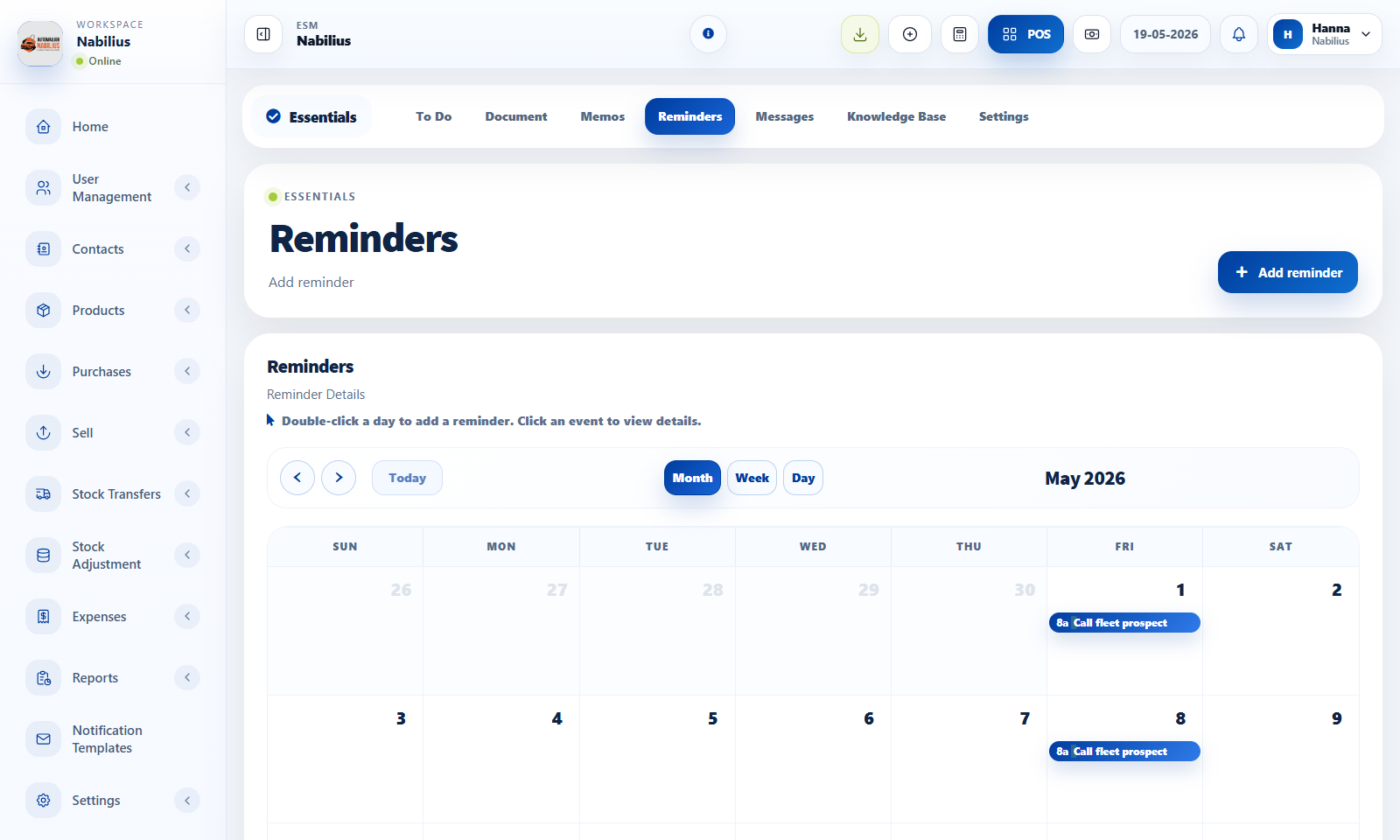
Reminders and todos
Use reminders and todos for operational follow-up without leaving ESMCloud.
- Create reminders with clear titles, dates, and assignees.
- Use calendar views to monitor upcoming work.
- Complete or update tasks when work changes status.
Documents and memos
Documents and memos keep internal context attached to the business.
- Upload documents that staff need to reference.
- Use memos for internal announcements.
- Use knowledge base pages for reusable procedures.
Sales targets
Sales targets help compare employee performance against planned goals.
- Define targets for the relevant employee and period.
- Review sales target tables with date and employee filters.
Detailed operating workflow
Use Essentials for reminders, documents, memos, knowledge base, messages, and internal follow-up.
- Create reminders with title, date, assignee, priority, and enough notes to make follow-up clear.
- Use the calendar to review upcoming work and switch between relevant reminder views.
- Upload documents and memos where staff need repeatable internal references.
- Use knowledge base pages for procedures that should not live only in chat or memory.
Check before moving on
Calendar views are readable and consistent with the dashboard design.
Reminder dates use the intended single-date picker behavior.
Shared documents and memos have clear visibility rules.
Review signals and troubleshooting
Use these checks when the screen looks correct but the numbers, records, or workflow do not behave as expected.
- If a reminder does not show, check date, assignee, and status filters.
- If documents are hard to find, improve names and categories before uploading more files.
- Review completed reminders periodically so active lists stay useful.