In this guide
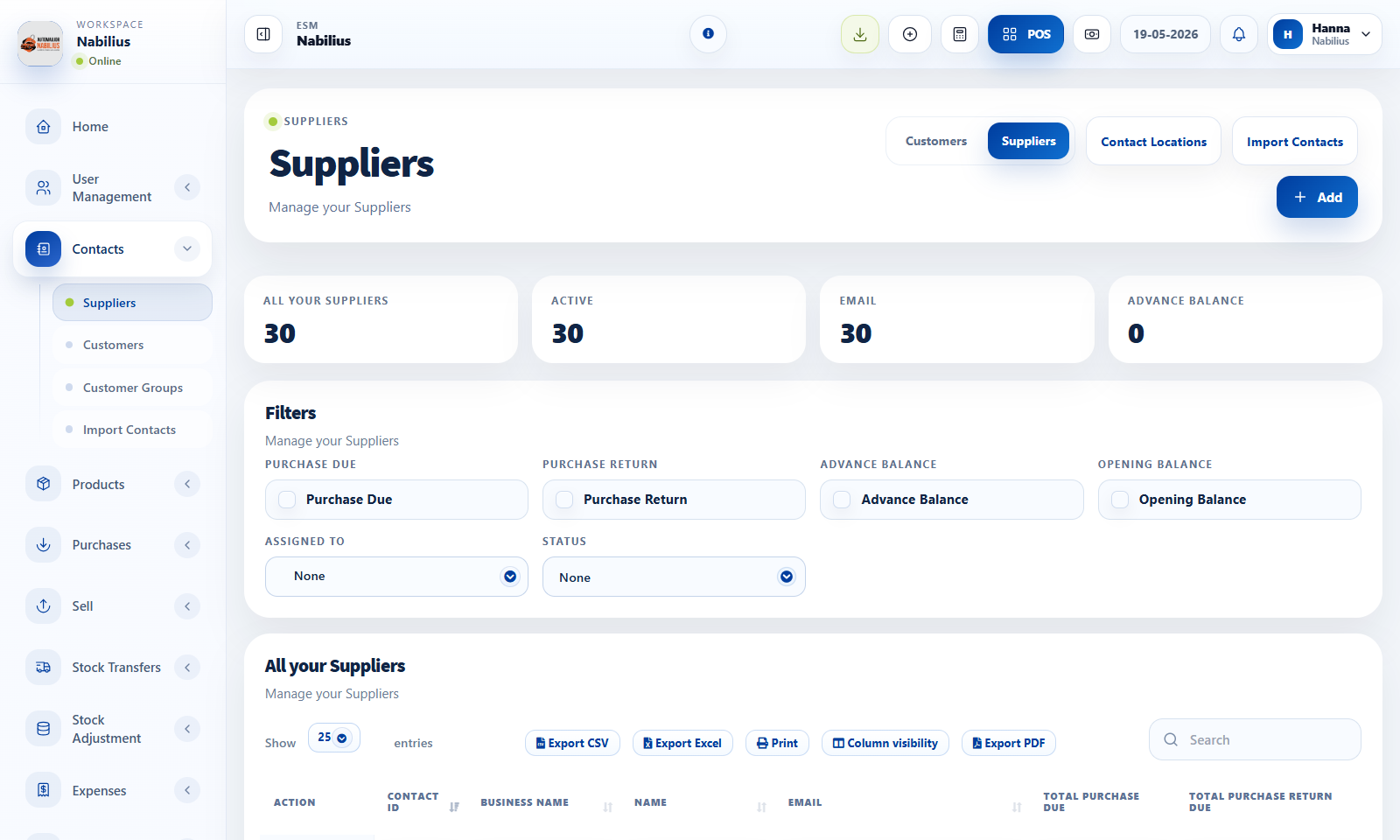
What a ledger contains
A contact ledger is the historical financial story for one customer or supplier.
- Sales, purchases, returns, payments, opening balance, and advance balance can appear in the ledger.
- The ledger helps reconcile what the business thinks is owed with what the contact expects.
- Use date filters when reviewing a specific month or accounting period.
Resolving mismatches
Most balance mismatches come from missing payments, wrong contacts, or returns entered in the wrong period.
- Search the reference number from the ledger in the related table.
- Check payment status and payment due reports.
- Confirm whether a transaction belongs to another customer, supplier, or location.
Exporting history
Use export buttons when sending statements or preparing accounting review files.
- Filter the ledger first.
- Export the filtered table to CSV, Excel, or PDF.
- Keep exported statements with the accounting period they represent.
Detailed operating workflow
Use ledgers to reconcile contact-level movement across sales, purchases, payments, returns, and balances.
- Open the contact ledger from the customer or supplier record when a balance needs explanation.
- Filter the ledger by date range before comparing it with payment reports.
- Review invoices, payments, returns, opening balance, and advance balance in chronological order.
- Export or send ledgers only after the balance has been checked against source transactions.
Check before moving on
The ledger period matches the accounting period under review.
Opening and closing balances are visible and coherent.
Payments and returns reduce dues as expected.
Review signals and troubleshooting
Use these checks when the screen looks correct but the numbers, records, or workflow do not behave as expected.
- If a ledger does not match a report, compare filters, contact type, and transaction status.
- If a payment is missing, verify whether it was recorded as a child payment or against a different contact.
- If balances start wrong, review opening balance entries first.