In this guide
Purchase payments
Payments reduce supplier due and appear in payment reports.
- Record payment method, amount, paid on date, account or reference number, and notes.
- Use partial payments when the supplier is not fully paid.
- Review Purchase Payment Report to audit payment history.
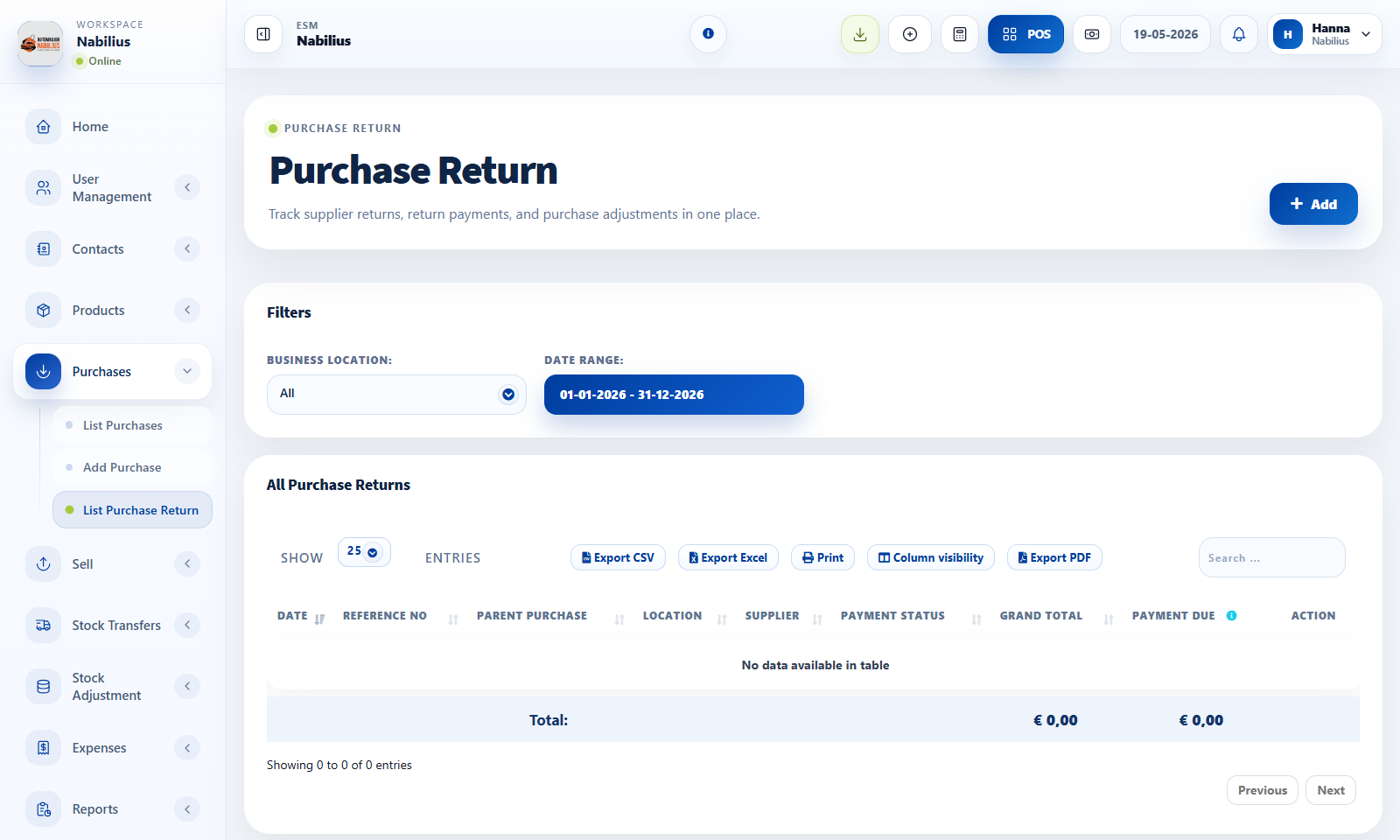
Purchase returns
Purchase returns reverse goods sent back to the supplier.
- Create returns against the original purchase when possible.
- Confirm returned quantity and refund or due adjustment.
- Check stock after return to ensure inventory moved correctly.
Supplier reconciliation
Supplier balance should match purchases, returns, advances, and payments.
- Use supplier table totals for purchase due, return due, opening balance, and advance balance.
- Open the supplier ledger when totals do not match expectations.
- Export payment records for accounting review.
Detailed operating workflow
Use purchase payments and returns to reconcile suppliers after receiving or returning products.
- Record payments against the correct supplier purchase and method.
- Use purchase returns when products are sent back to the supplier or credit is expected.
- Review returned quantity, return total, payment due, and supplier ledger before saving.
- Use Purchase Payment Report to reconcile paid, due, and method totals.
Check before moving on
Payment reference and paid-on date are correct.
Returned products match the original purchase and location.
Supplier ledger updates after payment or return is saved.
Review signals and troubleshooting
Use these checks when the screen looks correct but the numbers, records, or workflow do not behave as expected.
- If due amounts persist, check whether payments were recorded against another purchase.
- If return totals are wrong, inspect quantity, unit cost, tax, and discount from the original line.
- Use concise payment method names in reports and open details only when references are needed.