In this guide
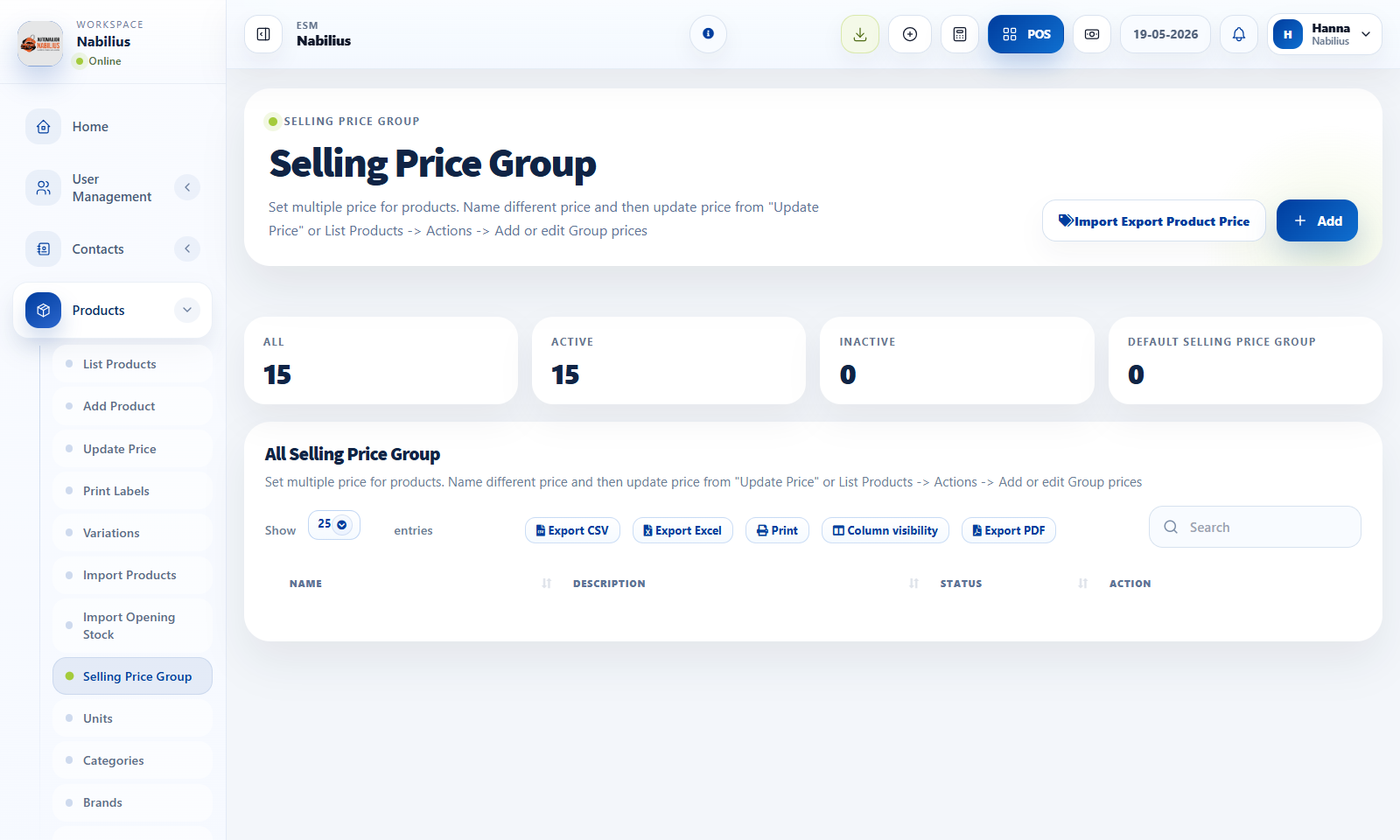
When to use price groups
Price groups are useful when one product has more than one official selling price.
- Create a price group for wholesale, dealer, fleet, or branch-specific rates.
- Assign price groups to contacts or locations where needed.
- Use update price tools to revise many product prices together.
Safe price updates
Pricing changes affect future sales and reporting.
- Export current prices before a major update.
- Test one product with the new price group in POS.
- Review margin and selling price after import or bulk update.
Label printing
Labels help physical inventory and retail checkout.
- Use Print Labels when product shelves or stock tags need barcode labels.
- Confirm barcode setting and paper format before printing batches.
- Use product filters to avoid printing unnecessary labels.
Detailed operating workflow
Use selling price groups when different customers, branches, or channels need controlled alternate prices.
- Create the selling price group with a clear name and active status.
- Update product prices for that group using the price update screen or import flow.
- Assign the group to customers or locations that should use those prices.
- Run a test sale and confirm the selected customer or location receives the correct price.
Check before moving on
Price group appears in contacts, locations, and product price update screens where expected.
Default product price remains unchanged unless intentionally edited.
Reports show sales values based on the actual transaction price.
Review signals and troubleshooting
Use these checks when the screen looks correct but the numbers, records, or workflow do not behave as expected.
- If a price is wrong, check customer group, price group, location assignment, and product price override.
- If a group is no longer used, deactivate rather than deleting records connected to history.
- Review special pricing periodically to avoid outdated margin rules.