In this guide
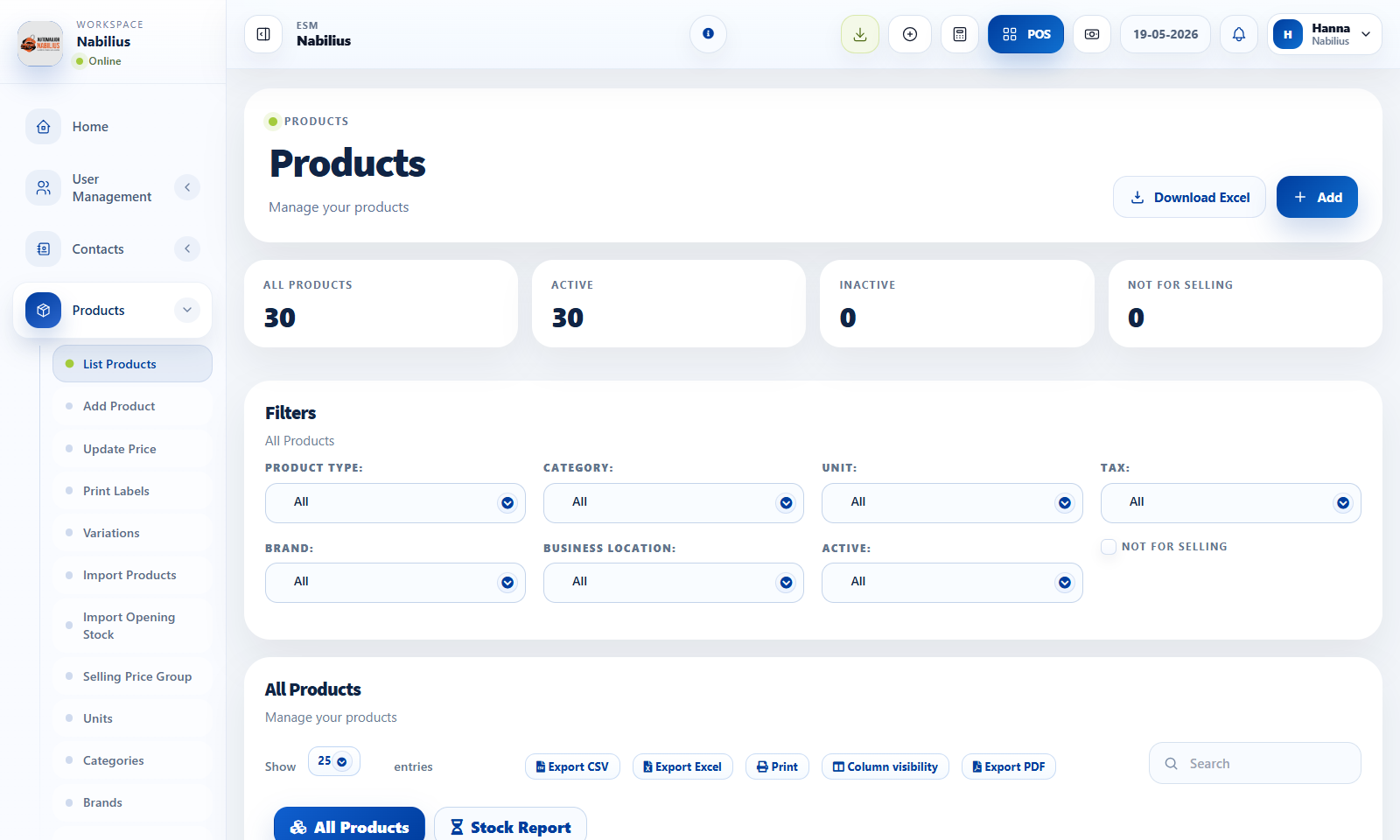
Core product fields
A clean product catalog makes POS, purchases, reports, and stock history reliable.
- Use a clear product name that staff can search quickly.
- Keep SKU unique and predictable; structured SKUs or serial-based identifiers can help when each item must be traceable.
- Assign unit, category, brand, tax, purchase price, selling price, and product type.
- Use product image and brochure only when they help staff identify or sell the item.
Stock behavior
Manage Stock controls whether the product contributes to quantity and stock reports.
- Enable stock management for physical products.
- Disable stock management for services, fees, or non-stock charges.
- Use alert quantity to trigger reorder attention before stock reaches zero.
Check before moving on
Current stock appears in products and stock reports.
Stock history opens from the product table.
Product cleanup
Product data should be standardized before importing many records.
- Create units, categories, brands, warranties, and taxes before importing.
- Use bulk price update for controlled pricing changes.
- Avoid deleting products with transaction history; deactivate when possible.
Detailed operating workflow
Use the product catalog to maintain sellable products, stock tracking, pricing, categories, brands, and product metadata.
- Create supporting units, categories, brands, taxes, warranties, and price groups before adding products.
- Create products with clear names, unique SKUs, purchase price, selling price, stock settings, and locations.
- Use images and product descriptions where they help POS users identify products faster.
- Use the Stock Report tab to confirm current quantities after purchases, transfers, or adjustments.
Check before moving on
SKU is unique and follows a predictable format.
Product appears in POS only when active, sellable, and available for the selected location.
Purchase price, margin, selling price, and tax behavior calculate correctly.
Review signals and troubleshooting
Use these checks when the screen looks correct but the numbers, records, or workflow do not behave as expected.
- If a product is missing in POS, check active status, Not for selling, stock availability, and location.
- If table actions overlap, compare the product table layout against the suppliers table pattern.
- If images are too large, use compact previews and keep product cards readable.
Practical notes
- For car dealership inventory, categories can represent body type and custom fields can capture VIN, model year, trim, and color.