In this guide
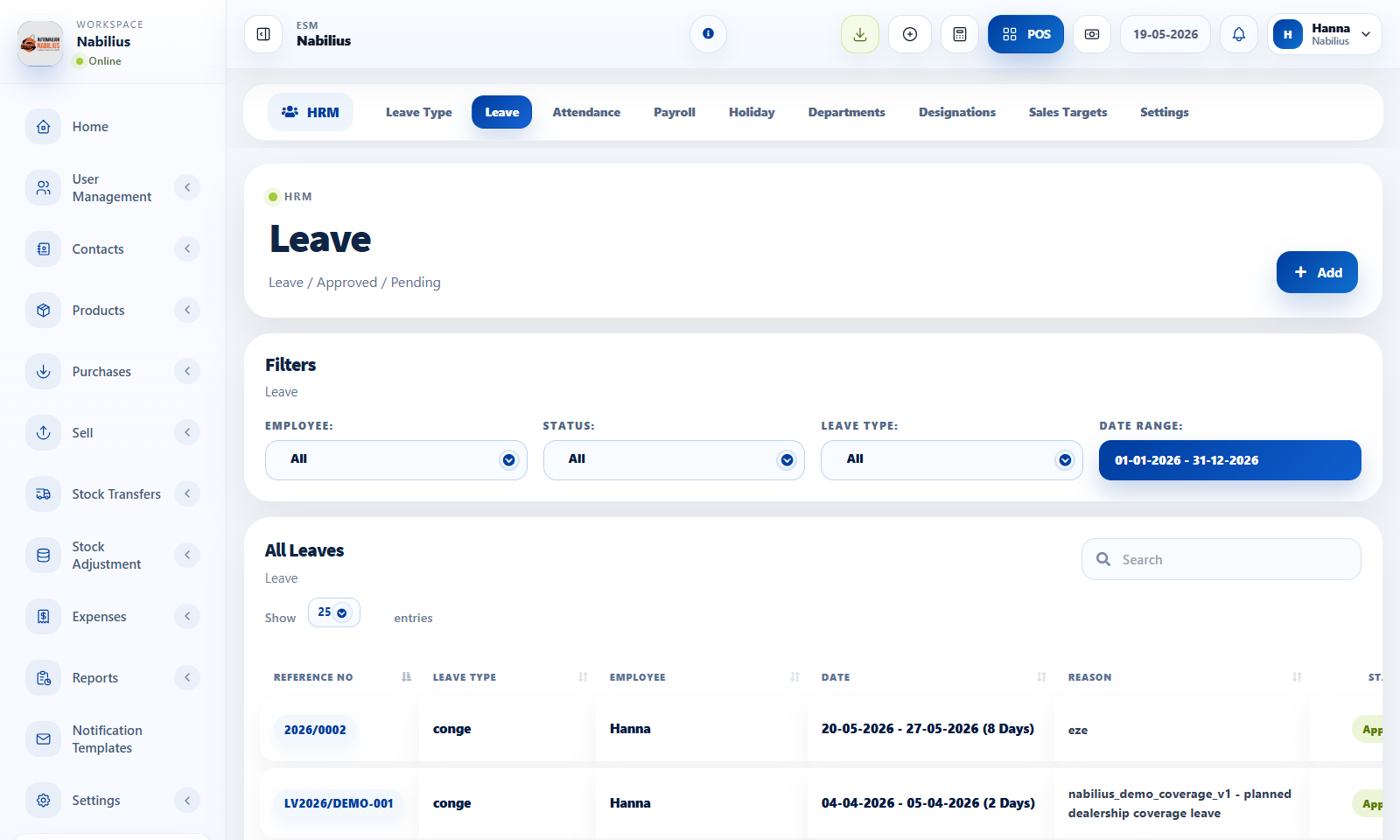
Leave management
Leave records track employee absence requests and approval status.
- Create leave types with maximum allowed days where needed.
- Add leave with employee, start date, end date, reason, and status.
- Use activity and status change modals to review or update a leave request.
Attendance
Attendance can be entered manually or imported from a template.
- Use attendance by date or shift to review present and absent staff.
- Use Import Attendance when many clock records need to be loaded.
- Download the template file and keep date/time formatting consistent.
Review routine
HRM records become important when payroll is generated.
- Review leave and attendance before payroll processing.
- Check holidays and shifts for the same period.
- Export reports when payroll or HR records need approval.
Detailed operating workflow
Use leave and attendance to track staff availability, approvals, imports, and payroll readiness.
- Create leave types before users start requesting leave.
- Add leave records with employee, start date, end date, reason, and status.
- Review attendance by date or shift and import template files when needed.
- Check leave and attendance before generating payroll.
Check before moving on
Date pickers do not trigger unsaved-change warnings when selecting dates.
Attendance import template is available and uses the expected date/time format.
Leave activity and status modals use modern table and button styling.
Review signals and troubleshooting
Use these checks when the screen looks correct but the numbers, records, or workflow do not behave as expected.
- If a leave status is wrong, use the change status modal and confirm activity history.
- If attendance is missing, compare manual entries with imported template rows.
- If payroll totals seem wrong, verify leave, attendance, holidays, and employee assignment first.