In this guide
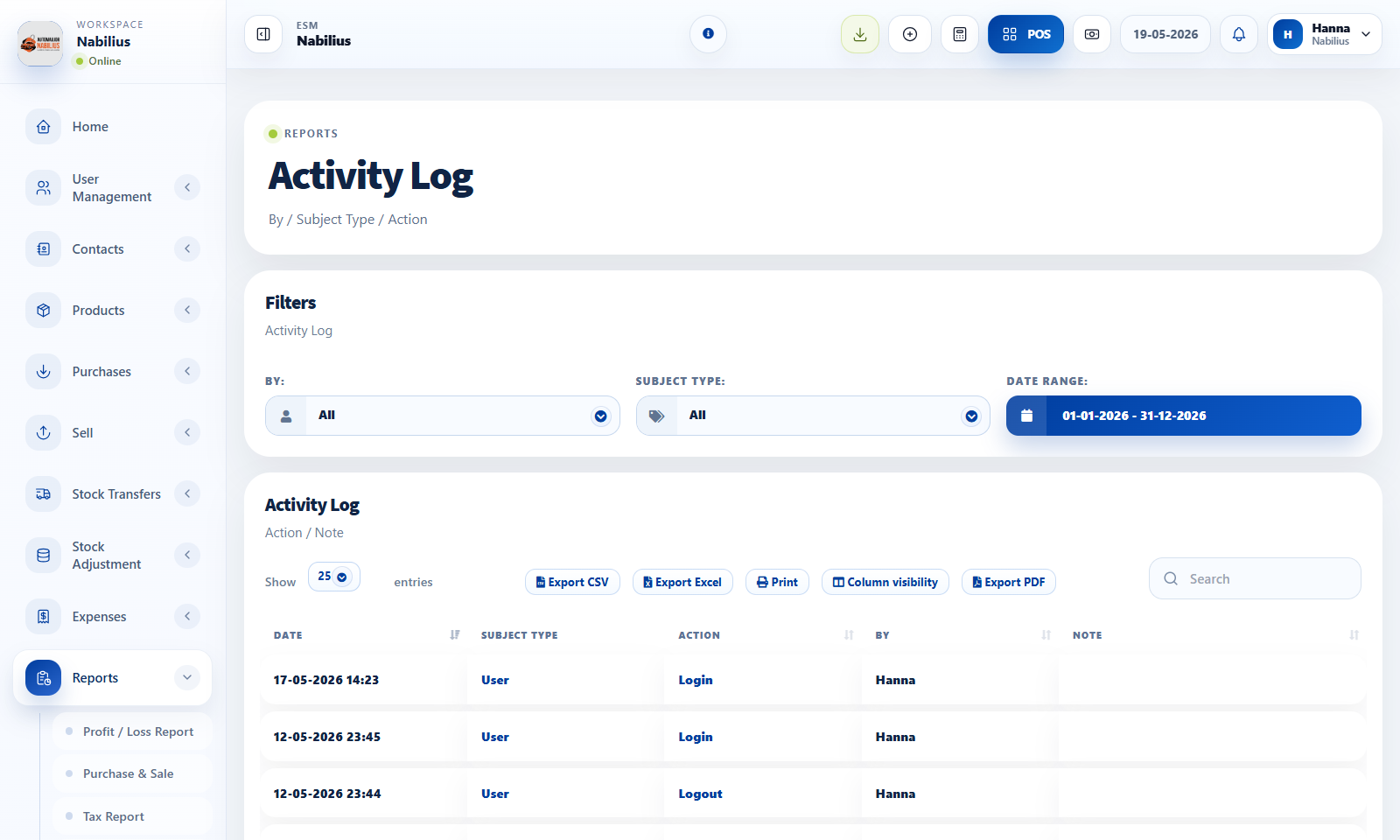
Table stuck on processing
A table stuck on Processing usually means the AJAX response failed or the server returned unexpected JSON.
- Open browser developer tools and inspect the network request.
- Check Laravel logs for the related controller error.
- Confirm columns in Blade and controller JSON match.
- If counts change between pages, inspect recordsTotal, recordsFiltered, and pagination parameters.
Products not appearing
Product visibility depends on status, stock, location, selling flags, and filters.
- Check product active status and Not for selling setting.
- Check business location and current stock.
- Clear category, brand, and search filters.
Payment provider SSL warning
Local Windows/WAMP setups may need a trusted CA bundle for cURL. Production should keep SSL verification enabled.
- Install or point PHP cURL to a valid CA bundle locally.
- Do not disable HTTPS or SSL verification in production.
- Check payment provider callback URLs after changing the domain.
Detailed operating workflow
Use this checklist when a table, dropdown, form, screenshot, payment provider, or report behaves unexpectedly.
- Capture the page URL, user, business, date range, selected location, and exact action that failed.
- Check browser console and network response before editing view code.
- Check Laravel logs and the relevant controller method for server-side table or AJAX failures.
- Reproduce the issue with one controlled record before generalizing a fix across the app.
Check before moving on
The failure is not caused by stale filters, hidden columns, or missing permissions.
The DataTable column definition matches the JSON keys returned by the controller.
Local-only SSL workarounds are not used in production payment flows.
Review signals and troubleshooting
Use these checks when the screen looks correct but the numbers, records, or workflow do not behave as expected.
- If a visual change does nothing, inspect whether another shared partial overrides the selector.
- If a dropdown style reverts after interaction, patch the initialized Select2/dropdown state, not only the original select.
- If a table is blank but counts exist, inspect row rendering and data keys before changing the query.
Practical notes
- For production issues, capture the exact URL, user, time, network response, and Laravel log line before changing code.
- Fix one confirmed cause at a time; broad UI or query changes can hide the original failure.