In this guide
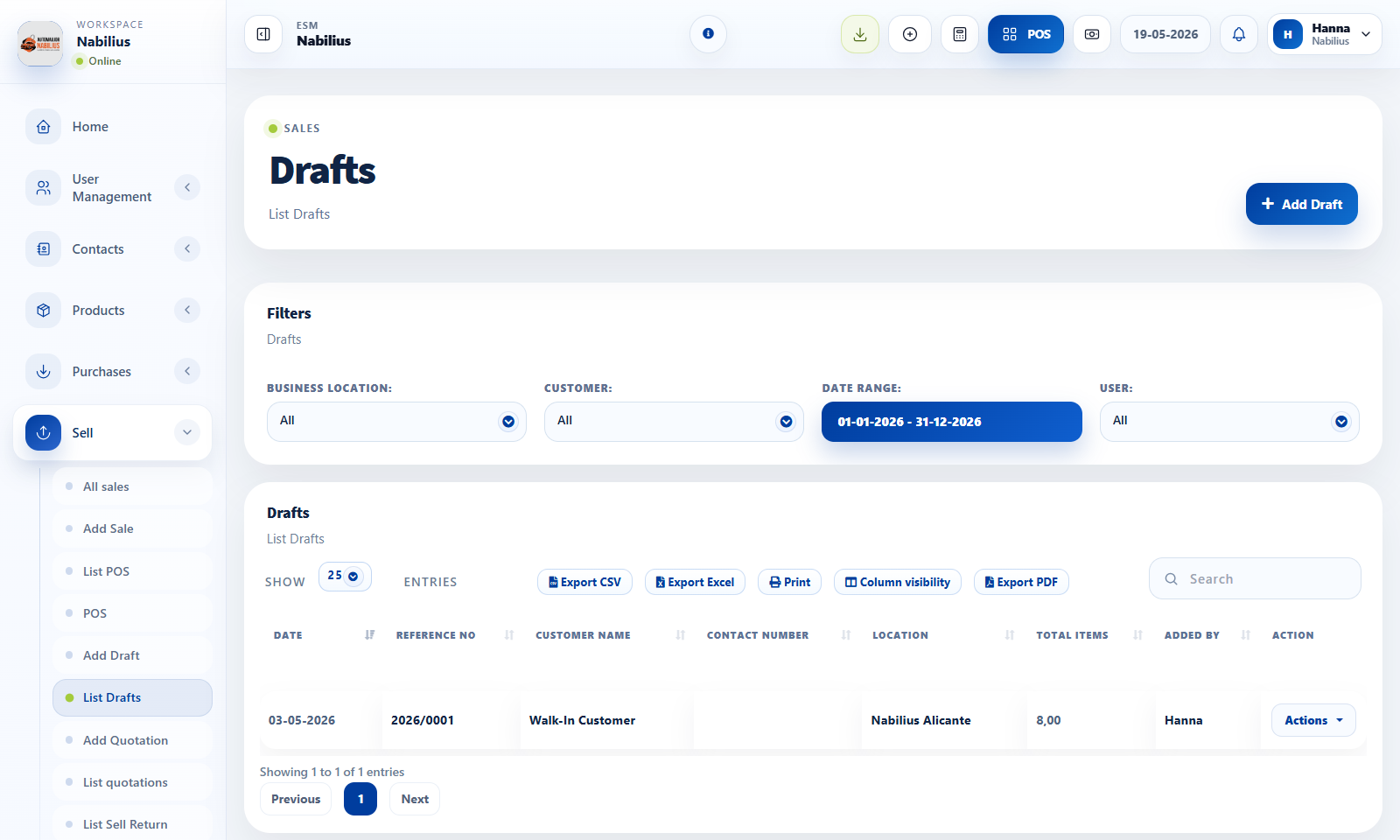
Drafts
Drafts hold unfinished sales that may be edited later.
- Use Draft when the customer is not ready to finalize.
- Review drafts regularly so old unfinished transactions do not clutter reports.
Quotations
Quotations communicate a proposed sale without finalizing stock and payment the same way as an invoice.
- Use quotations for estimates, proposals, and customer approval flows.
- Convert or recreate the sale when the customer accepts the quote.
Suspended sales
Suspended sales are useful during active checkout interruptions.
- Suspend when the customer will return soon or payment is briefly delayed.
- Finalize suspended sales before closing the shift.
Detailed operating workflow
Use drafts, quotations, and suspended sales to separate incomplete work from finalized invoices.
- Create a quotation when a customer needs a price proposal without stock commitment.
- Use drafts for internal unfinished sales that should not yet behave like invoices.
- Use suspended sales in POS when checkout is paused temporarily.
- Convert, copy, or finalize records only after customer, items, prices, taxes, and totals are reviewed.
Check before moving on
Drafts and quotations do not inflate completed sales reports.
Converted invoices preserve the correct customer and product details.
Suspended POS sales are cleared after they are resumed or cancelled.
Review signals and troubleshooting
Use these checks when the screen looks correct but the numbers, records, or workflow do not behave as expected.
- If a quotation appears in sales totals, check transaction status and report filters.
- If stock changes too early, verify whether the record was finalized instead of saved as draft.
- Review old drafts and suspended sales regularly to keep the workspace clean.