In this guide
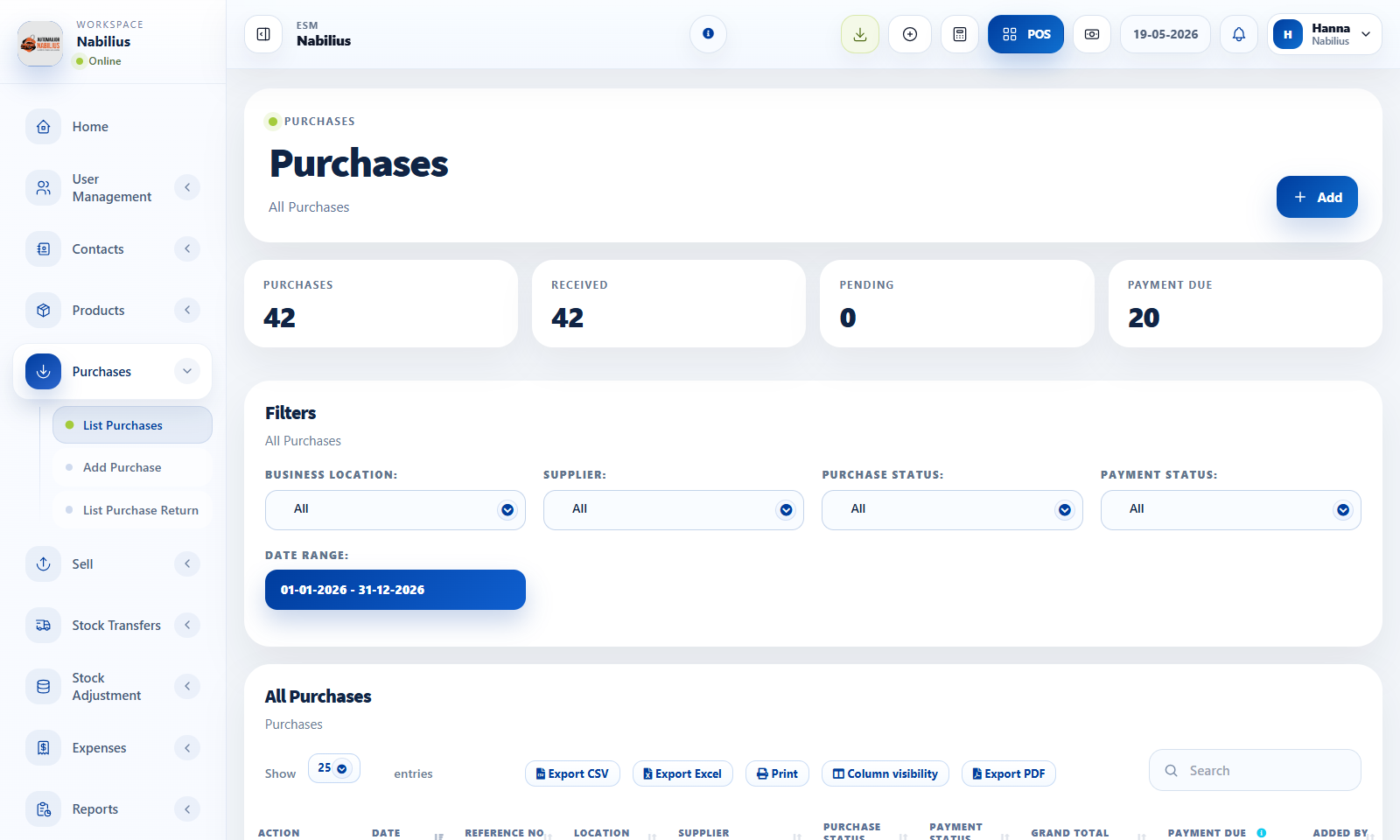
Create a purchase
Purchases increase stock and record supplier financial obligations.
- Select supplier, business location, purchase date, status, reference number, and payment terms.
- Add products using the product search field and verify quantity, purchase price, tax, and subtotal.
- Add additional expenses or shipping costs when they belong to the purchase.
- Save the purchase and record payment if money was paid immediately.
Stock impact
Stock updates depend on purchase status and product configuration.
- Only stock-managed products affect inventory quantity.
- Use received statuses consistently so stock reports match reality.
- Check product stock history when purchase stock does not appear as expected.
Documents and references
Supplier invoices and import documents should be traceable.
- Attach supplier invoices or import paperwork where available.
- Use reference numbers that match supplier documents.
- Keep notes for extra expenses or special supplier terms.
Detailed operating workflow
Use purchases to receive products, update stock, track supplier dues, and preserve import or supplier documentation.
- Select supplier, purchase date, status, location, pay term, and reference before adding products.
- Add product rows with quantity, unit cost, tax, discount, lot/expiry when applicable, and documents.
- Review shipping, additional expenses, payment method, paid amount, and purchase total before saving.
- Open Stock Report and Purchase Payment Report after saving to confirm stock and dues.
Check before moving on
Purchase status is correct before relying on stock quantity.
Supplier due amount matches paid amount and grand total.
Additional expenses are included in the intended accounting fields.
Review signals and troubleshooting
Use these checks when the screen looks correct but the numbers, records, or workflow do not behave as expected.
- If stock does not increase, check purchase status, location, product row, and stock-managed setting.
- If payment due is wrong, review child payments and purchase return records.
- Attach supplier documents when traceability is important.
Practical notes
- For imported inventory, use supplier records and purchase documents to preserve traceability from import to sale.