In this guide
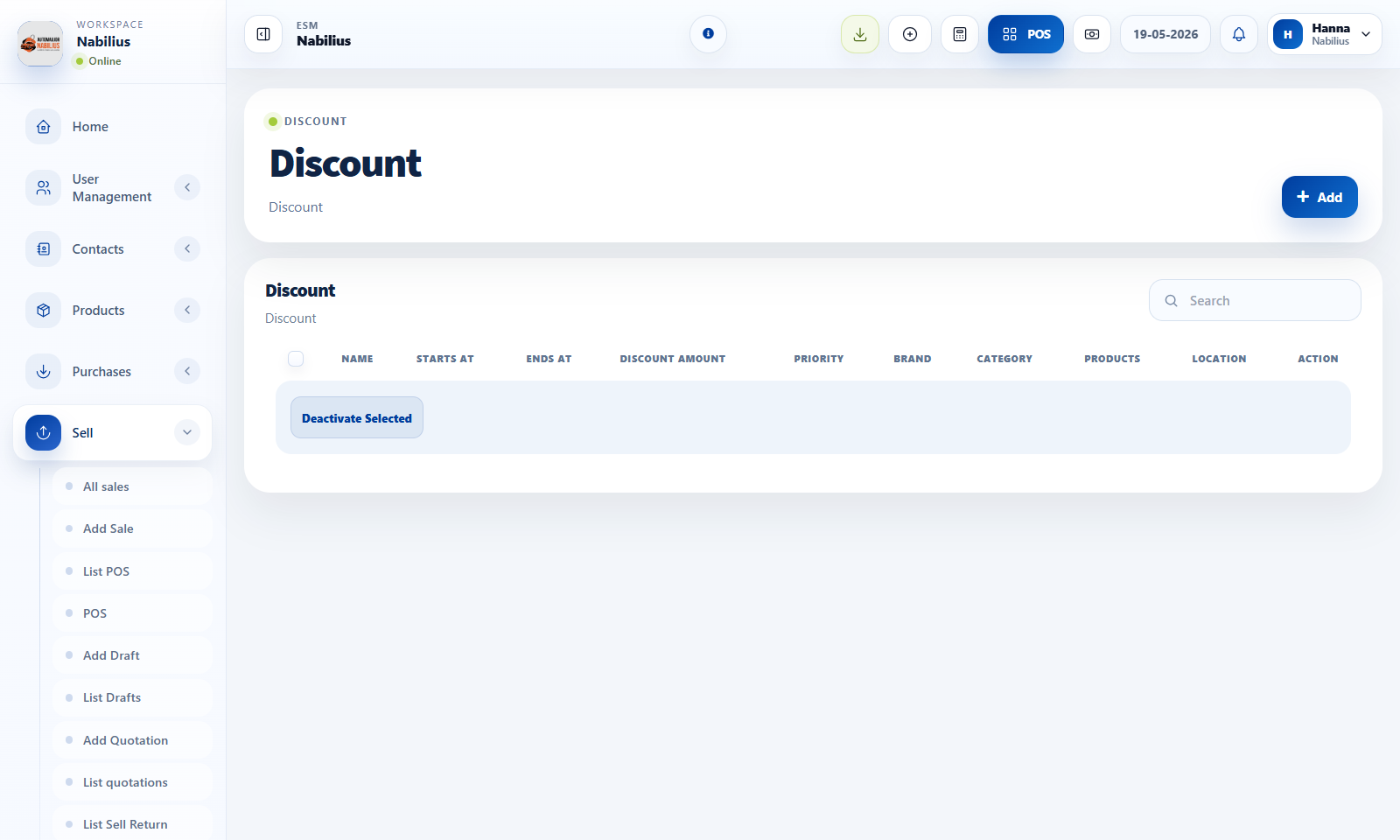
Discount setup
Discounts can be filtered by brand, category, location, date, and active status.
- Create discounts with clear names and date windows.
- Use product/category/brand filters so discounts do not apply too broadly.
- Test a discount in POS before announcing it to staff.
Reward points
Reward points can encourage repeat customers when configured carefully.
- Enable reward points only if the business has a defined loyalty policy.
- Set earning, redeeming, minimum order, maximum point, and expiry rules.
- Make invoice labels clear so customers understand their points.
Reviewing promotions
Promotions should be measured, not just created.
- Use reports to compare sales during discount periods.
- Deactivate expired discounts.
- Audit reward point totals before changing the conversion rate.
Detailed operating workflow
Use discounts and reward points to manage promotions while keeping margin and eligibility visible.
- Create discounts with clear start/end dates, location rules, product/category scope, and active status.
- Use reward points only after the earning, redeeming, expiry, and display rules are configured.
- Test one eligible and one non-eligible sale before announcing a promotion.
- Review promotion performance with sales reports and profit/loss before extending the offer.
Check before moving on
Discount applies only to intended products, categories, locations, and dates.
Reward point labels and totals appear correctly on invoices when enabled.
Final sale margin is still acceptable after discounts and redeemed points.
Review signals and troubleshooting
Use these checks when the screen looks correct but the numbers, records, or workflow do not behave as expected.
- If a discount does not apply, check active status, date range, customer group, product scope, and location.
- If points do not show, check Business Settings and invoice layout options.
- Deactivate expired promotions to keep POS behavior predictable.
Practical notes
- Avoid overlapping discounts unless the business explicitly allows stacking promotions.